
Posted By
25 Jul2026
0 Comment(s)
104 View(s)
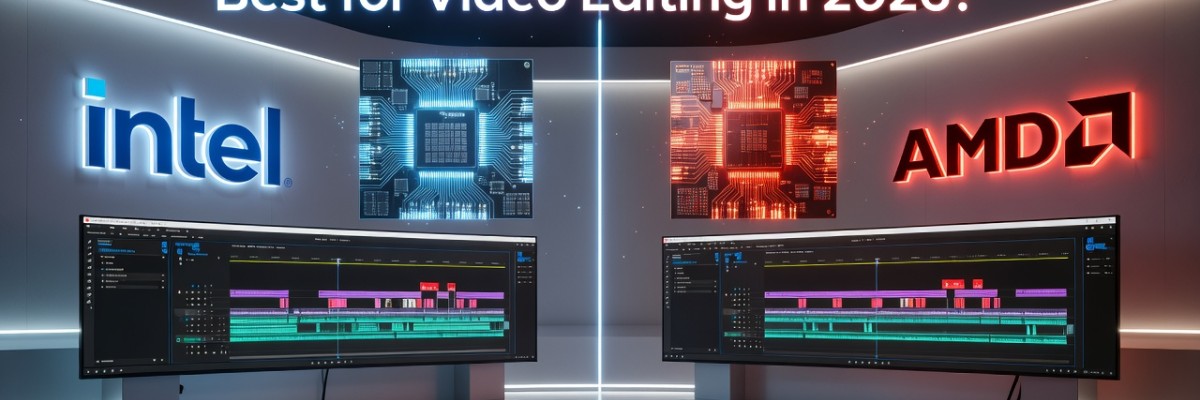
Intel vs. AMD: Which Processor is Best for Video Editing in 2026?
In the world of professional video editing, time is literally money. Whether you are a YouTuber in Dhaka, a wedding cinematographer in Sylhet, or a high-end VFX artist, the "Intel vs. AMD" debate is the most critical decision you will make for your workstation.
As we move into 2026, the landscape of processing power has shifted. We are no longer just talking about "cores and threads." We are talking about AI acceleration, NPU integration, and energy efficiency.
In this comprehensive guide, Sell Tech BD breaks down which processor reigns supreme for video editing in 2026 and which one you should buy for your next build.
The Role of the CPU in Video Editing
Before diving into the brand war, it is important to understand why the CPU (Central Processing Unit) is the heart of an editing rig. While the GPU (Graphics Card) handles color grading and effects, the CPU is responsible for:
Timeline Fluidity: Scrolling through 4K, 6K, or 8K footage without lag.
Encoding & Decoding: Compressing video files into formats like H.264, H.265 (HEVC), or AV1.
Multitasking: Running Premiere Pro, After Effects, and Chrome simultaneously.
Intel in 2026: The King of Optimization?
Intel has traditionally been the go-to for video editors, and by 2026, their architecture (likely the 15th or 16th Gen "Arrow Lake" or "Lunar Lake" successors) has refined the Hybrid Architecture.
1. Intel QuickSync: The Secret Weapon
Even in 2026, Intel QuickSync remains the primary reason editors choose Intel. QuickSync uses dedicated hardware on the chip to handle the encoding and decoding of H.264 and HEVC files. This means smoother playback on the timeline and faster export times compared to CPUs without integrated graphics.
2. Single-Core Prowess
Applications like Adobe After Effects still rely heavily on single-core performance for motion graphics and previewing. Intel’s "P-Cores" (Performance Cores) usually maintain a slight edge in clock speeds, making the interface feel snappier.
3. AI Integration (Intel AI Boost)
By 2026, Intel has deeply integrated NPUs (Neural Processing Units) into their desktop chips. For editors using AI tools like Generative Fill in Premiere Pro or Auto-Reframe, Intel’s hardware acceleration makes these tasks nearly instantaneous.
AMD in 2026: The Multi-Threaded Monster
AMD’s Ryzen 9000 and 10,000 series (Zen 5 and Zen 6 architectures) have revolutionized the market by offering incredible power efficiency and massive core counts.
1. Raw Multi-Core Performance
When it comes to rendering a 3D heavy sequence or exporting a 4K project in DaVinci Resolve, AMD’s high-end chips (like the Ryzen 9 series) often outperform Intel. AMD provides more "full-performance" cores compared to Intel’s mix of P-cores and E-cores.
2. Power Efficiency and Heat
In a climate like Bangladesh, heat is a major factor. AMD’s Zen 6 architecture in 2026 is built on advanced 2nm or 3nm processes. This means they produce significantly less heat and consume less power than Intel’s high-end chips. For an editor in BD, this means a quieter studio and lower electricity bills.
3. Better Upgrade Path (Socket Longevity)
One reason Sell Tech BD customers love AMD is the AM5 (or its successor) platform. Unlike Intel, which often requires a new motherboard every two generations, AMD typically supports their sockets for many years. This allows you to upgrade your CPU in 2027 or 2028 without buying a new motherboard.
The "Best" CPU often depends on which software you spend 90% of your time in.
Adobe Premiere Pro
Winner: Intel
Why: Premiere Pro is highly optimized for Intel QuickSync. The "Live Playback" performance on Intel systems is generally smoother when working with 10-bit 4:2:2 footage, which is common in modern mirrorless cameras (Sony A7SIII, Canon R5).
DaVinci Resolve
Winner: Tie (Slight AMD Edge for Rendering)
Why: Resolve is very GPU-dependent. However, for the heavy lifting of raw footage (Blackmagic RAW or REDCODE), AMD’s high thread count helps in background caching and final delivery.
Adobe After Effects
Winner: Intel
Why: After Effects loves high clock speeds. Intel’s boost clocks usually lead to faster RAM previews and a more responsive UI.
4K/8K Rendering (Cinebench/Handbrake)
Winner: AMD
Why: If your work involves long export queues and heavy multi-threaded tasks, AMD Ryzen 9 processors are unparalleled workhorses.
The Price Factor in Bangladesh (2026 Market)
At Sell Tech BD, we monitor the pricing trends closely. In 2026:
Intel systems often have a higher total cost because you need high-end Z-series motherboards and expensive AIO coolers to manage the heat of a Core i9.